

Once you have setup Claude Code in VS Code Editor, the next step is to learn how to use Claude Code inside VS Code.
In this guide (63 pages) I will show you how to navigate the user interface of Visual Studio (VS) Code Editor and Claude Code Terminals so that you can comfortable use Claude Code inside VS Code.
Understanding VS Code Terminal.
The terminal provided by VS Code is the VS Code terminal.
To open VS Code Terminal, follow the steps below:
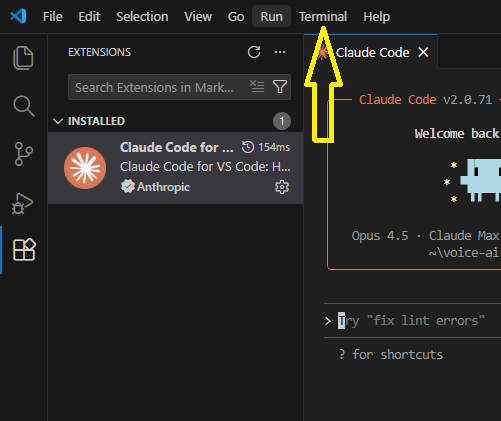
#1 Click on the ‘Terminal’ drop-down menu.
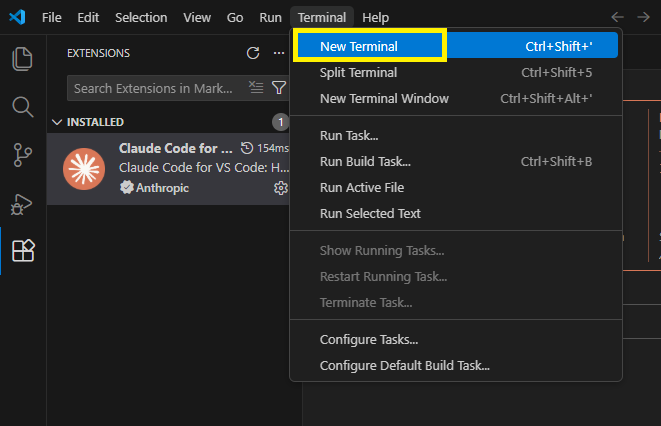
#2 Click on ‘New Terminal’.
You should now see a new terminal window like the one below:
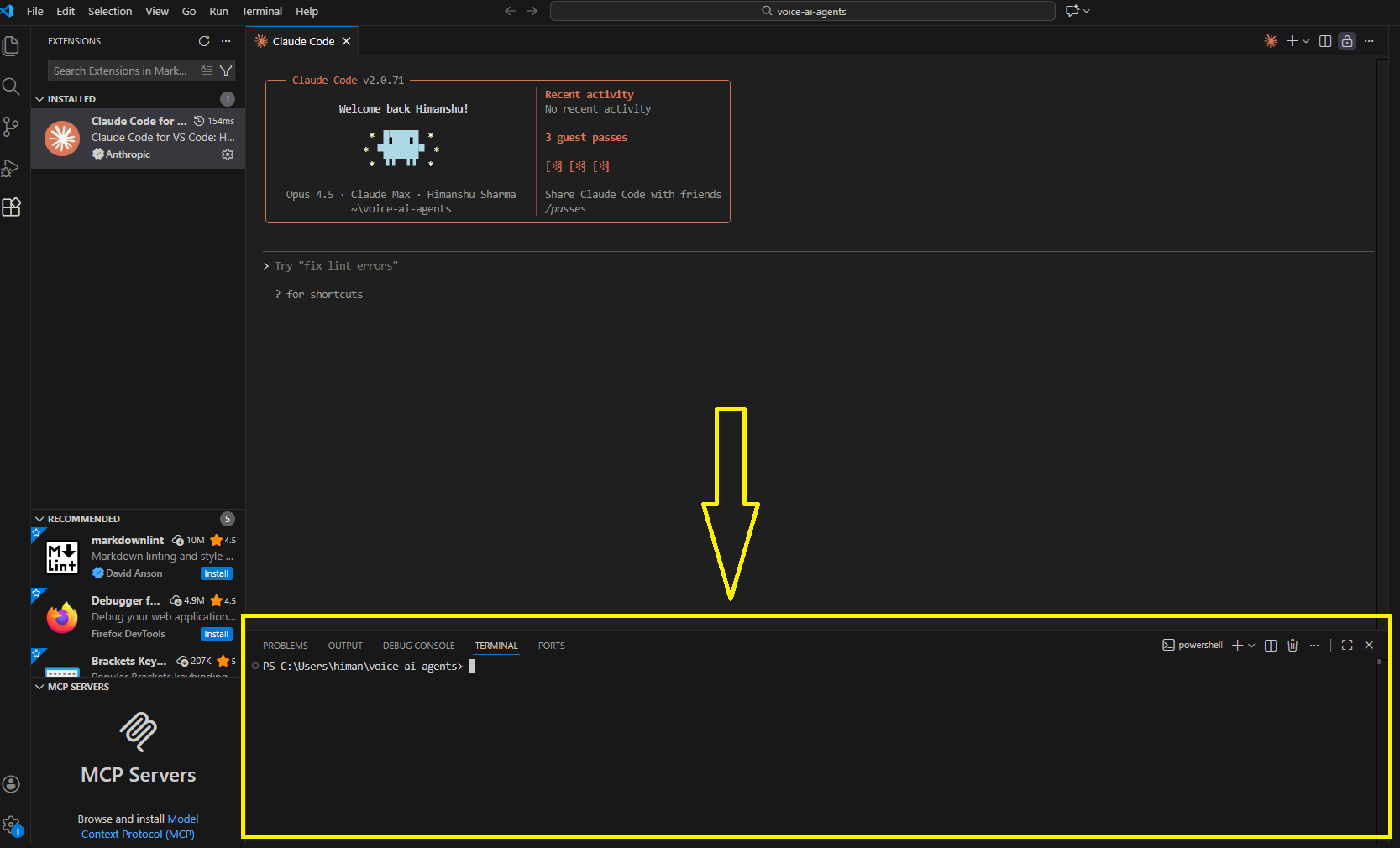
To check which shell your VS Code terminal is using, look at the text at the start of the prompt.