BigQuery provides many public datasets you can use for practice.
A public dataset is stored in BigQuery and made available to the general public through the Google Cloud Public Dataset Program.
You can analyze these datasets by using SQL queries.
Since Google stores the public datasets on its servers, you do not need to pay any storage costs. However, you could still be charged if you query more than 1 TB of data in a month.
Note(1): You need to create or select a project before you start using a public dataset in BigQuery.
Note(2): You can also analyze public datasets without enabling billing in your Google Cloud Platform.
Note(3): You can share any of your datasets with the general public. For more details, check out the official help documentation: Control access to resources with IAM.
To find BigQuery public datasets, follow the steps below:
Step-1: Navigate to https://console.cloud.google.com/bigquery
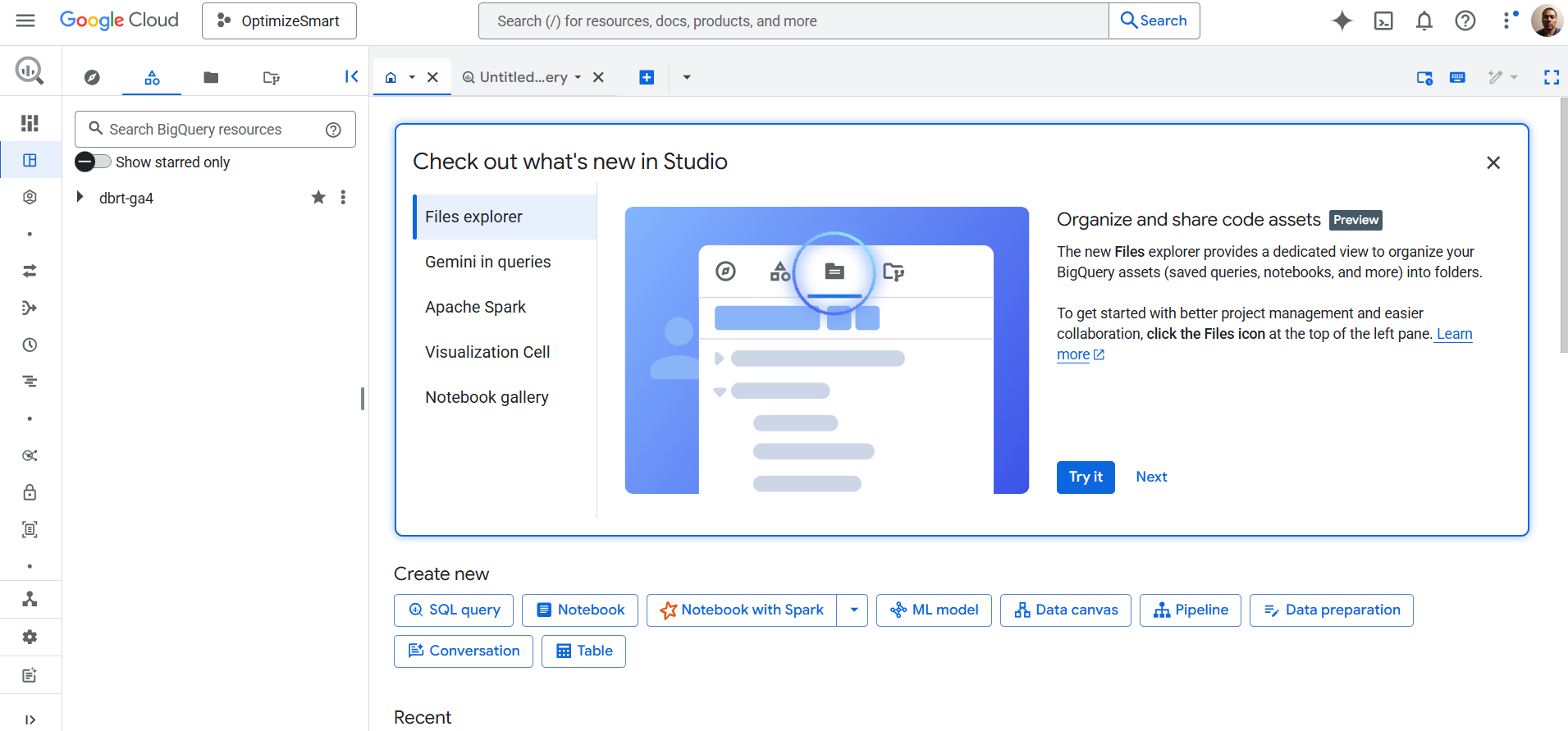
You should now see a screen like the one below:
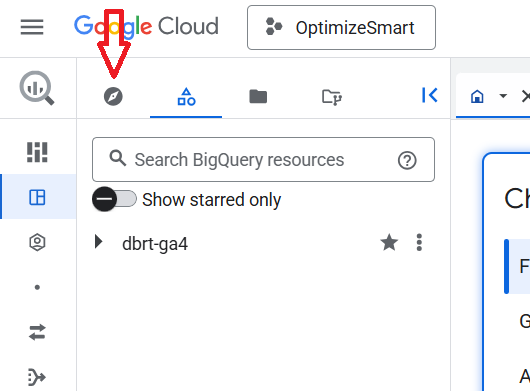
Step-2: Click on the ‘Explorer’ tab: