

Let’s say you want to keep track of changes on a specific web page.
Traditionally, you would have to manually check the page at least once a day, a repetitive and time-consuming task.
A smarter approach is to use an AI agent that continuously monitors the page for updates and instantly notifies you by email whenever changes occur.
You can create such an AI Agent via a platform called https://yutori.com/ (no affiliation, just a user).
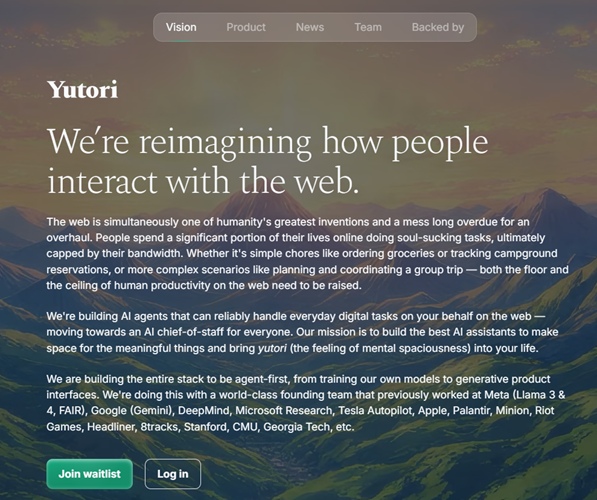
Access to this platform is not publicly available, but you can join the waiting list. I got approved within 24 hrs. So it shouldn’t take very long.
Once you get the access, login:
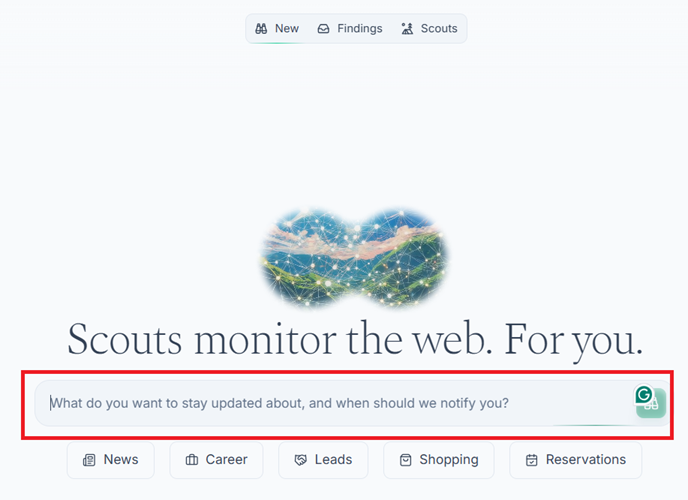
You should now see a page like the one below:
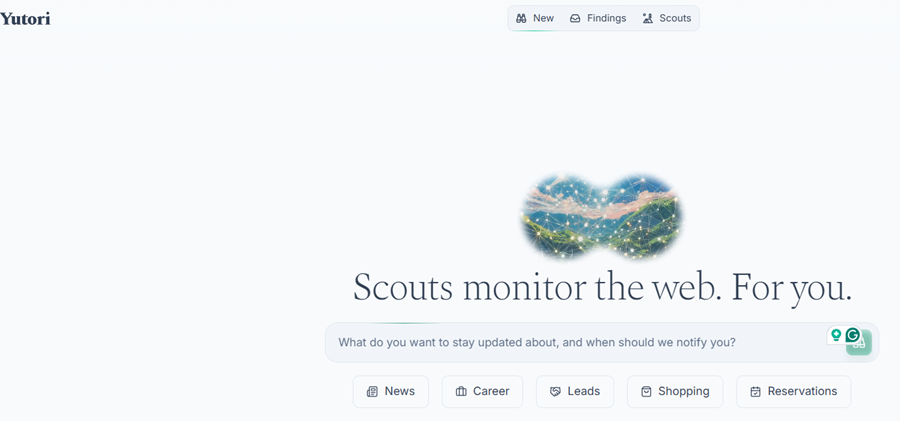
To create an AI Agent, you need to create a new scout.
Scroll down the page to see the list of example scouts:
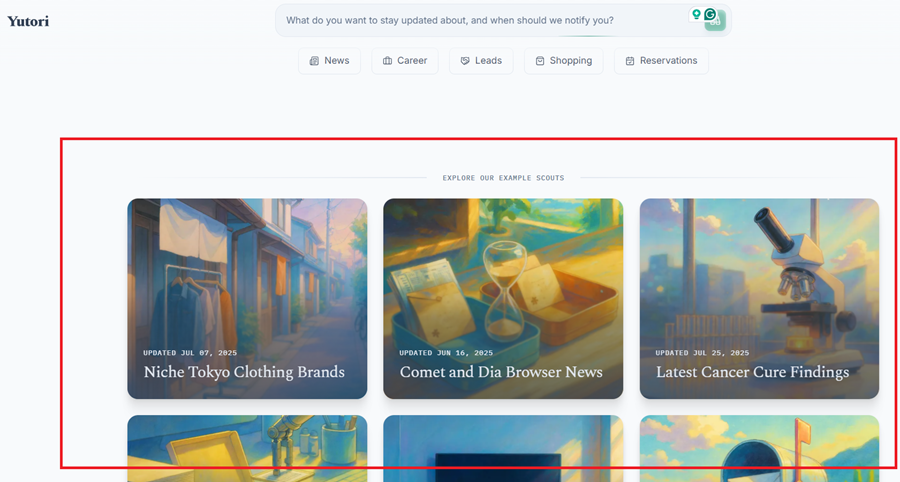
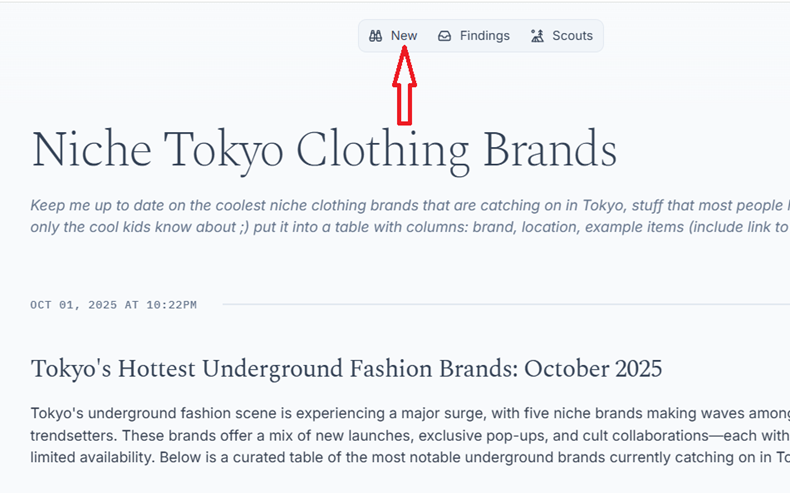
Click on a scout, say ‘Niche Tokyo Clothing Brands’ to see what it looks like.
This would help you in creating your own scout later on:
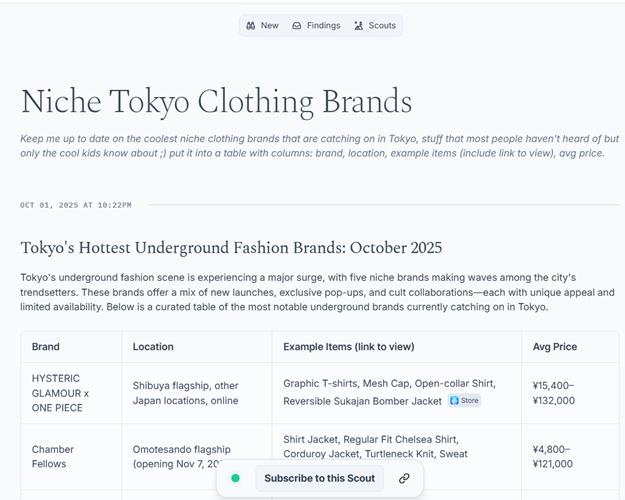
The ‘Niche Tokyo Clothing Brands’ scout is designed to perform the following tasks:
Keep me up to date on the coolest niche clothing brands that are catching on in Tokyo, stuff that most people haven't heard of but only the cool kids know about ;) put it into a table with columns: brand, location, example items (include link to view), avg price.When you create your own scout, this is the type of prompt you will use.
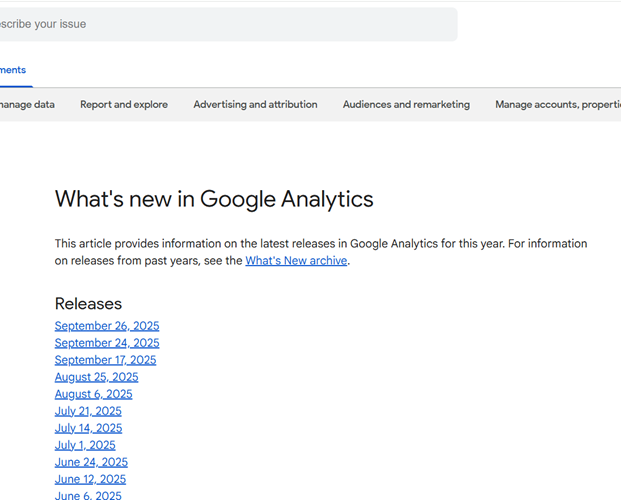
Let’s create a new scout that automatically tracks any changes made to this web page:
https://support.google.com/analytics/answer/9164320?hl=en
#1 Click on the ‘New’ button in the top navigation to create a new scout:
#2 You can type the following prompt in the text box:
“Email me whenever there is any change made to this web page: https://support.google.com/analytics/answer/9164320?hl=en”
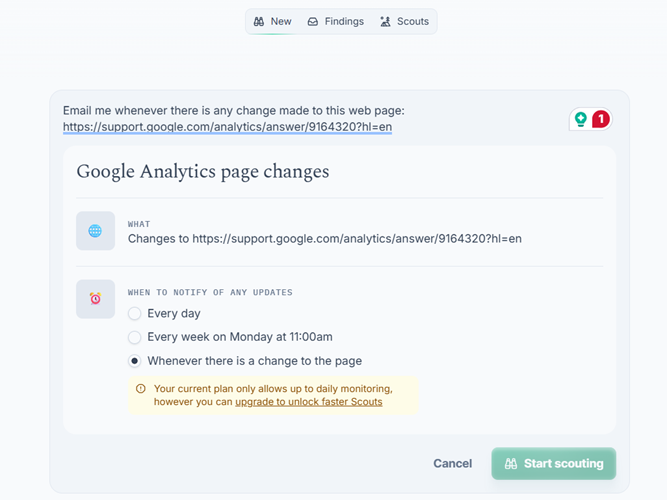
Once you've typed the prompt, your screen is going to look like the one below, where you can adjust your settings and click on the ‘Start Scouting’ button:
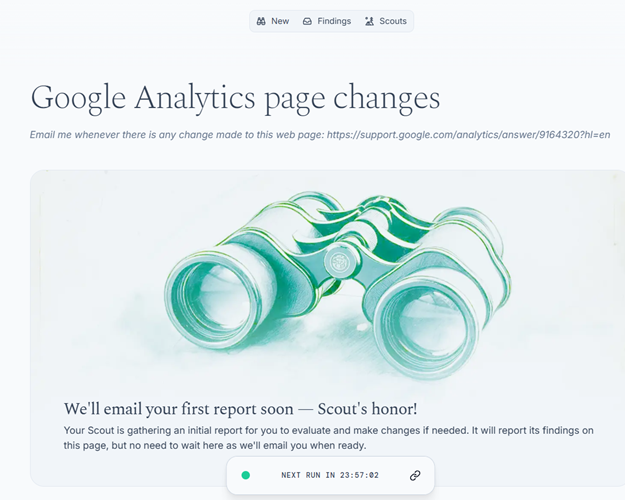
You should then see a page like the one below:
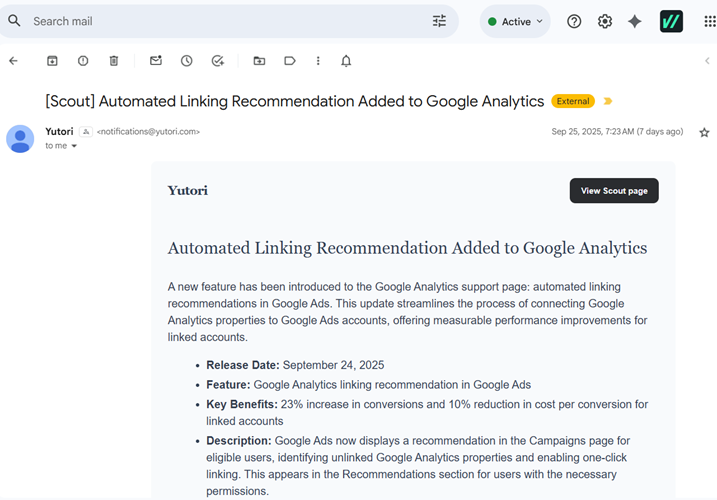
Going forward, whenever there are any changes made to the page you are monitoring, you get an email notification like the one below:
Use Cases for Professional Life:
- Job Hunting & Career Growth – Scout for new openings across companies and boards.
- Market & Competitor Monitoring – Track industry trends, niche news, or competitor moves.
Use Cases for Personal Life:
- Travel & Leisure - Get alerts for flight deals, hotel discounts, or campground openings.
- Shopping - Track product prices, limited drops, or restocks.
- Events & Entertainment - Monitor ticket releases for concerts, sports, or festivals.
- Everyday Tasks - Automate chores like finding grocery delivery slots or managing subscriptions.
Related Articles:
- How to Self Host n8n on Google Cloud - Tutorial.
- How to use APIs in n8n, GoHighLevel and other AI Automation Workflows.
- How to use Webhooks in n8n, GoHighLevel and other AI Automation Workflows.
- What is OpenRouter API and how to use it.
- How to Connect Google Analytics to n8n (step by step guide).
- How To Connect Google Analytics MCP Server to Claude.
- State Machine Architectures for Voice AI Agents.
- Using Twilio with Retell AI via SIP Trunking for Voice AI Agents.
- Retell Conversation Flow Agents - Best Agent Type for Voice AI?
- How to build Cost Efficient Voice AI Agent.
- When to Add Booking Functionality to Your Voice AI Agent.
- n8n Expressions Tutorial.
- n8n Guardrails Guide.
- Modularizing n8n Workflows - Build Smarter Workflows.
- How to sell on ChatGPT via Instant Checkout & ACP (Agentic Commerce Protocol).
- How to Build Reliable AI Workflows.
- Correct Way To Connect Retell AI MCP Server to Claude.
- How to setup Claude Code in VS Code Editor.
- How to use Claude Code Inside VS Code Editor.
- How To Connect n8n MCP Server to Claude.
- How to Connect GoHighLevel MCP Server to Claude.
- How to connect Supabase and Postgres to n8n.
- How to Connect WhatsApp account to n8n.
- How to make your AI Agent Time Aware.
- Structured Data in Voice AI: Stop Commas From Being Read Out Loud.
- How to build Voice AI Agent that handles interruptions.
- Error Handling in n8n Made Simple.
- How to Write Safer Rules for AI Agents.
- AI Default Assumptions: The Hidden Risk in Prompts.
- Why AI Agents lie and don't follow your instructions.
- Why You Need an AI Stack (Not Just ChatGPT).
- How to use OpenAI Agent Kit, Agent Builder?
- n8n AI Workflow Builder And Its Alternatives.
- Two-way syncs in automation workflows can be dangerous.
- Missing Context Breaks AI Agent Development.
- How To Avoid Billing Disputes With AI Automation Clients.
- ChatGPT prompt to summarize YouTube video.
- Avoid the Overengineering Trap in AI Automation Development.