

In this article, I will show you how to learn Google Analytics 4 (GA4) without a website.
You can learn about Google Analytics 4 without having your own website.
We can use the following websites for learning GA4
#1 Google Merchandise Store – It is an ecommerce website owned by Google. This website sells Google-branded merchandise (apparel, bags, drinkware, stationery etc).
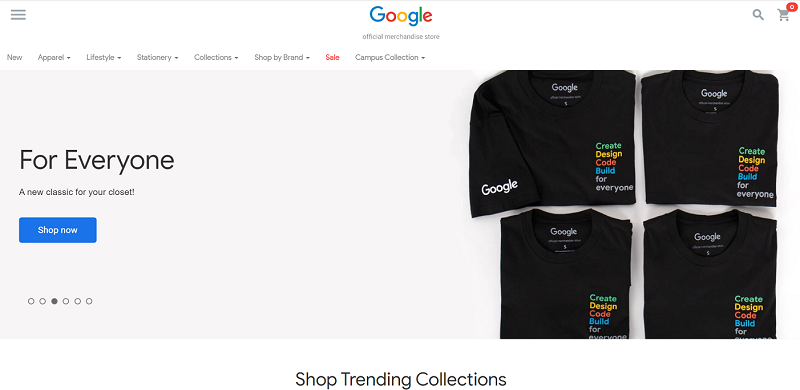
You can use the Google Merchandise store to learn about Google Analytics 4 tracking set up and reports.
#2 Google ‘Flood-it’ mobile app – It is a mobile gaming app from Google:
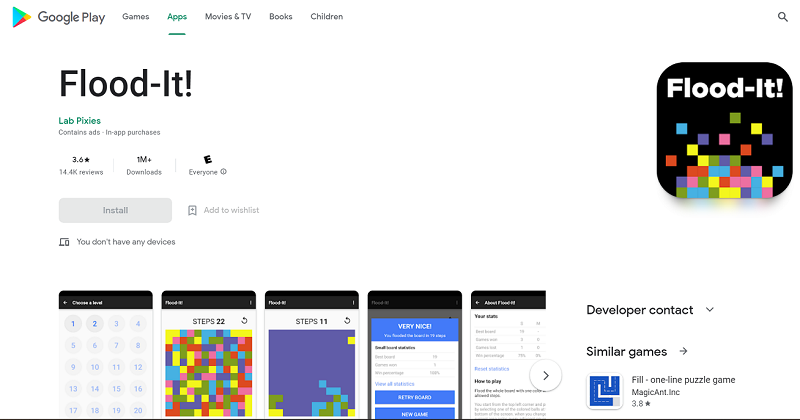
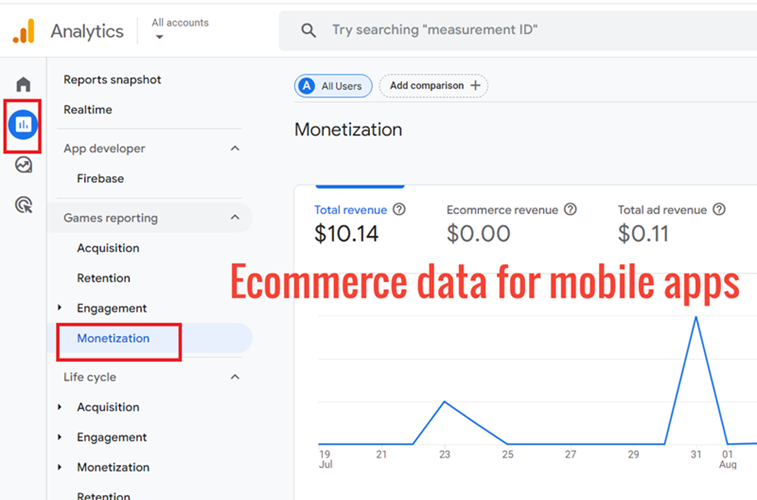
You can use the Flood it mobile gaming app to learn about Google Analytics 4 mobile app tracking set up and reports.
Google provide the analytics data on these websites via the Google Analytics demo account.
About the Google Analytics 4 Demo Properties.
Google provides the following two GA4 demo properties:
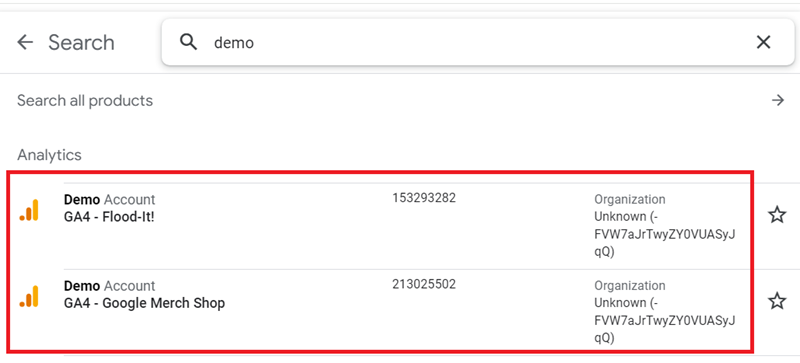
The first GA4 property (‘GA4 Flood-It!’) contains data from Google’s ‘Flood-it’ mobile app.
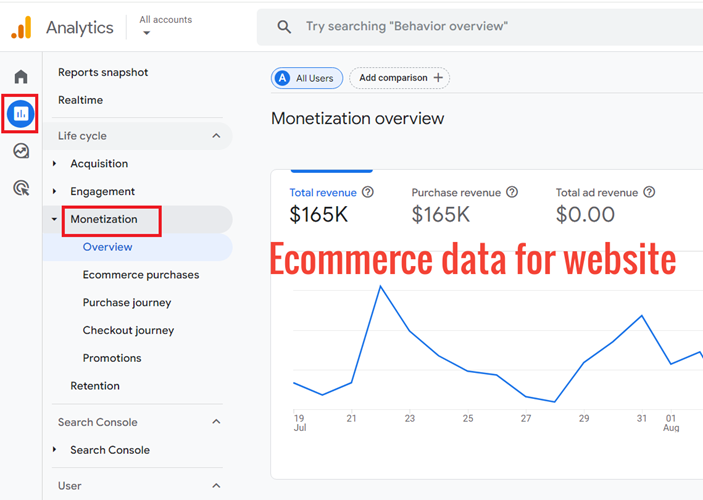
The second GA4 property (‘GA4 Google Merch Shop’) contains data from the Google Merchandise Store (an ecommerce website that sells Google-branded merchandise).
The Google Analytics demo properties are fully functional GA4 properties provided by Google to the public, free of charge.
Your brand new GA4 property may not have all the required data. However, the GA4 demo properties already has all of the required data.
Use the demo properties as a learning tool to see what the various reports in GA4 look like when populated with data. You can also see ecommerce data in these properties.
How to access the Google Analytics 4 demo properties?
Step-1: Whilst logged into your Google account, navigate to this page: https://support.google.com/analytics/answer/6367342
Step-2: Scroll down the page until you see the following section:
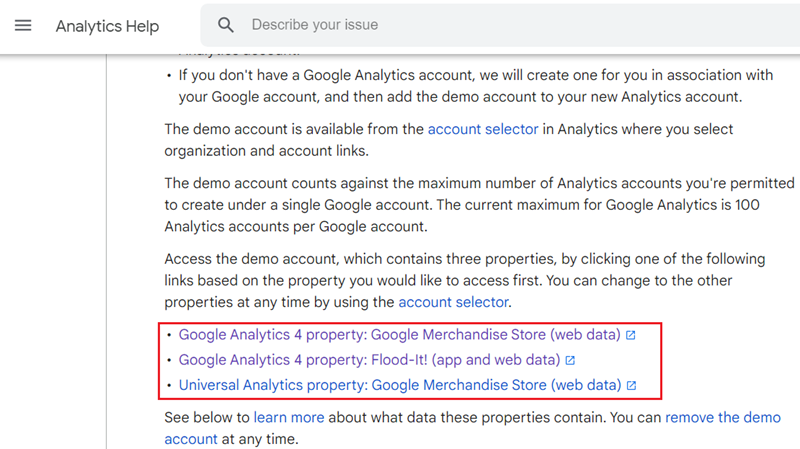
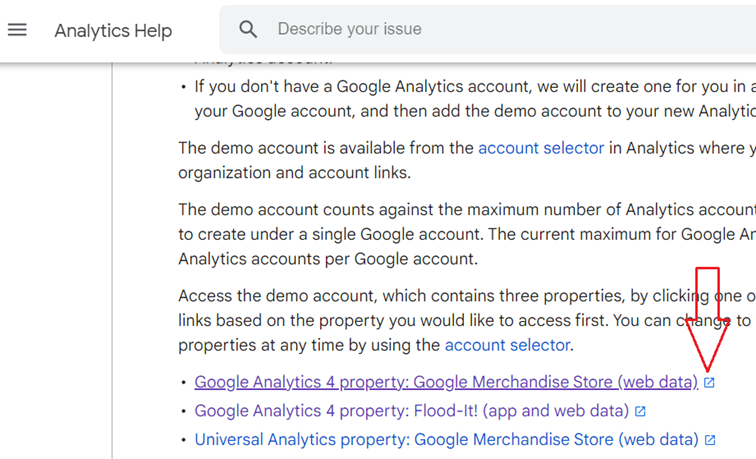
Step-3: Click on the button below to open the ‘GA4 Google Merch Shop’ property:
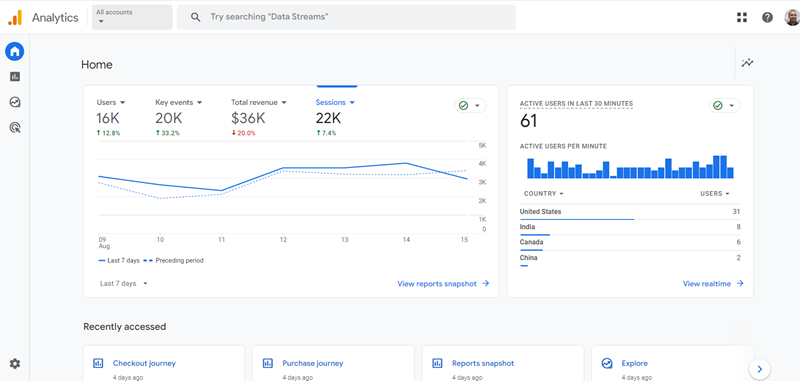
You should now be able to see the home page of your ‘GA4 Google Merch Shop’ property:
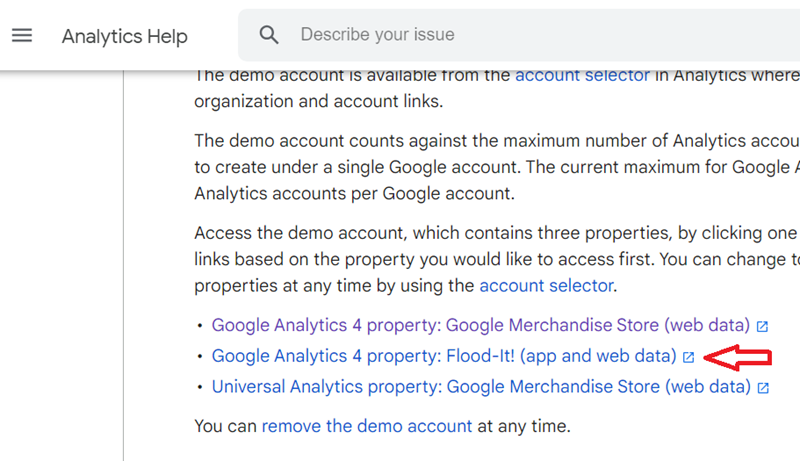
Step-4: Click on the button below to open the ‘GA4 Flood-It!’ property:
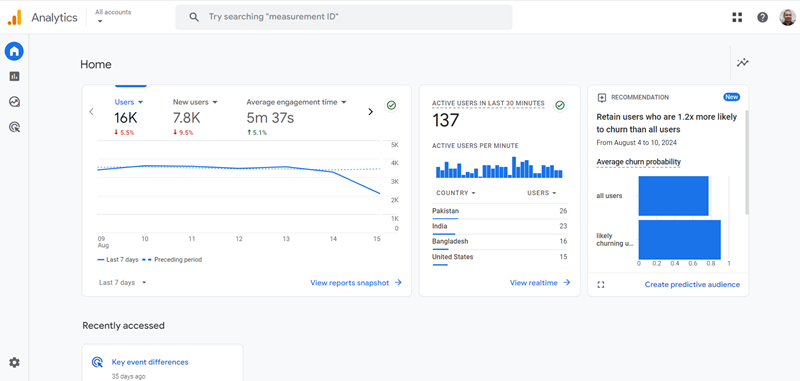
You should now be able to see the home page of your GA4 Flood-it demo property:
Congratulations, you now have access to the GA4 demo properties.
Use the GA4 demo properties to see ecommerce data.
The e-commerce data is available under ‘Reports’> ‘Monetization’:
Have a play with it.
Click on the different tabs and links.
Check out various reports.
Get a feel of the user interface, and do not worry about breaking anything.
You cannot break anything in the GA4 demo properties.
Use the GA4 demo properties as a learning tool.
FAQ: How to learn more about Google Analytics?
If you want to learn more about Google Analytics 4, then read and bookmark this article: Google Analytics 4 training & tutorial.

Other Articles on GA4.
- How to Connect Google Ads to Google Analytics 4.
- Google Analytics 4 Predictive Audiences – Tutorial.
- How to use Segment Overlap Report in Google Analytics 4.
- Audience Triggers in Google Analytics 4.
- Google Tag Manager Regex Table Variable Explained.
- Understanding Lookup Table in Google Tag Manager.
- Google Tag Manager Variables and Triggers Tutorial.
- How to find Average Order Value in Google Analytics 4.
- Google Ads tag still running in GTM? Here is the fix.
- 8 Signs Your GA4 Property Needs Expert Help.
- Google Tag Assistant Tutorial.
- Google Analytics 4 not working? Here is how to fix it.
- Google Analytics 4 for Low Traffic Websites.
- Google Tag Manager Implementation Guide.
- Google Tag Manager Server Side Preview Mode.
- How to learn Google Analytics without a website.
- Key Benefits of Using Google Analytics 4 (GA4).
- Google Marketing Platform Cost and is it Worth it?
- How to export GA4 data to Google Sheets for free.
- Top Google Analytics 4 Tools, add-ons and resources.