

The default Key Event counting method used by GA4 properties makes your conversion tracking setup inaccurate by default.
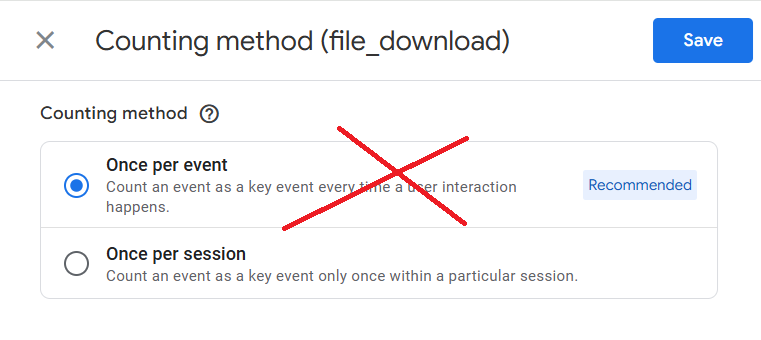
The majority of users have set up conversion tracking in their GA4 properties all wrong because they use and rely on the default Key Event counting setting ('once per event').
Google recommends the 'once per event' counting method, but you should be using the 'once per session' method to avoid inflating the key events for non-transactional conversions.
GA4 provides two types of counting methods when setting up key events:
1) 'Once per event' (count an event as a conversion every time it occurs.)
2) 'Once per session' (count an event as a conversion only once within a particular session).
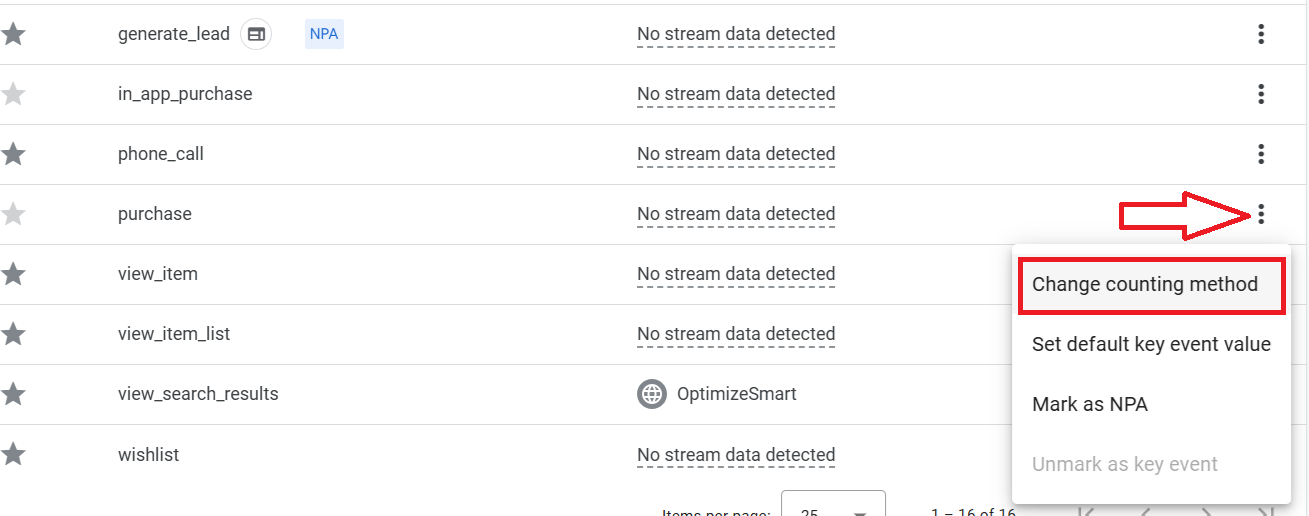
The 'Once per event' counting method is useful only for tracking actions that provide significant value to the business bottom line each time they occur, such as multiple purchases.
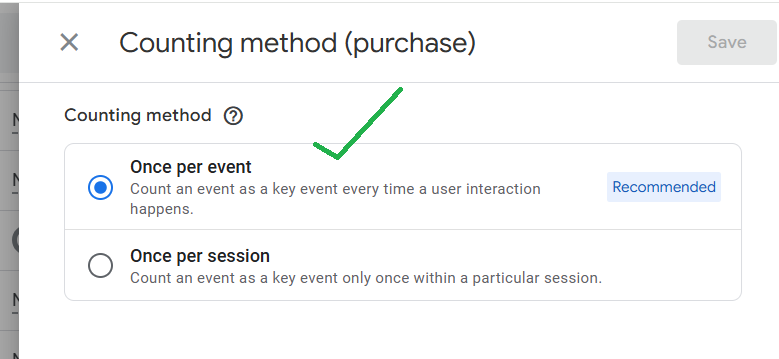
If the conversion is typically a one-time action per session, where repeats in the same session are less relevant (like a newsletter signup, download or form submission), using the 'once per event' counting method can inflate conversion count especially if your GA4 property is already suffering from duplicate events issues.
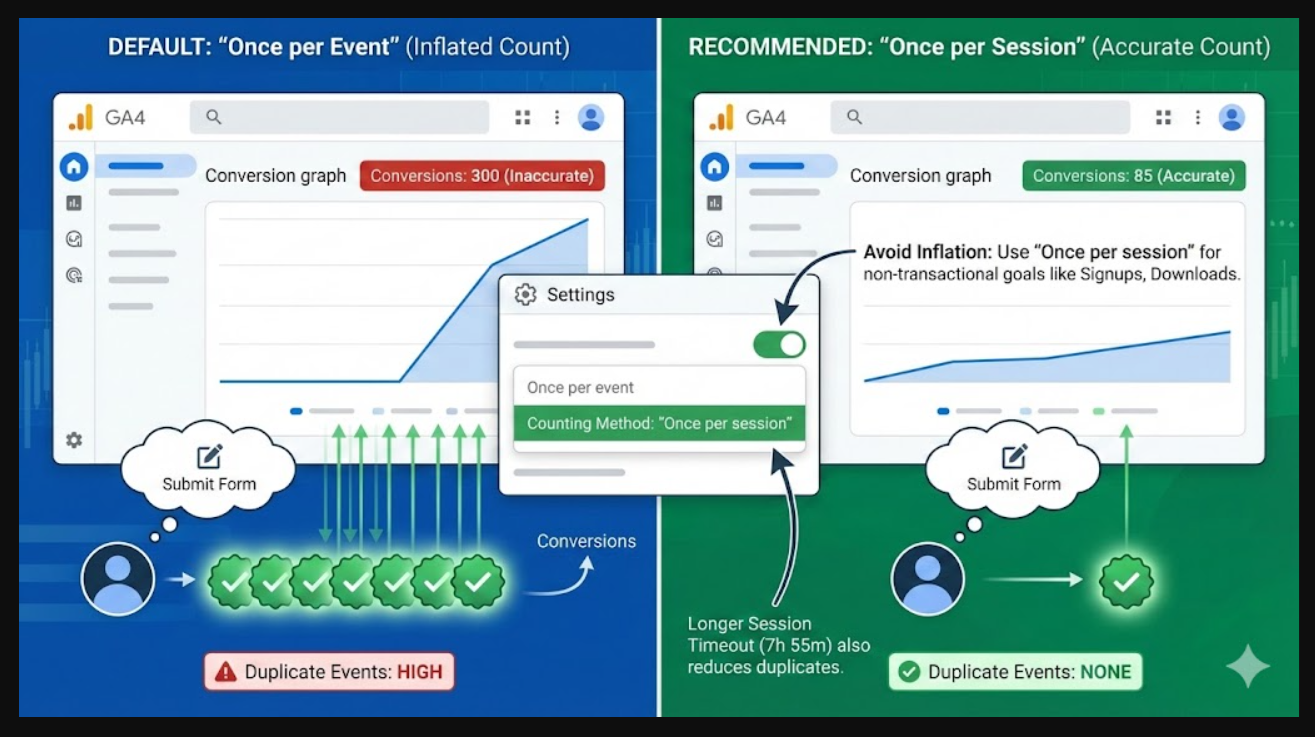
That's why so many GA4 properties report inflated conversion counts.
Most of them use the 'once per event' counting method.
Understand the context in which duplicate events occur to determine whether they are due to user behaviour, technical issues, or both.
The 'Once per session' counting method provides a more accurate reflection of user behaviour and conversion performance.
Use the longest possible session timeout setting.
Also, use the longest possible session timeout setting, which works well for your business (usually 7 hours, 55 minutes) to avoid duplicate conversion count, esp. when dealing with conversions that should typically occur once per session.
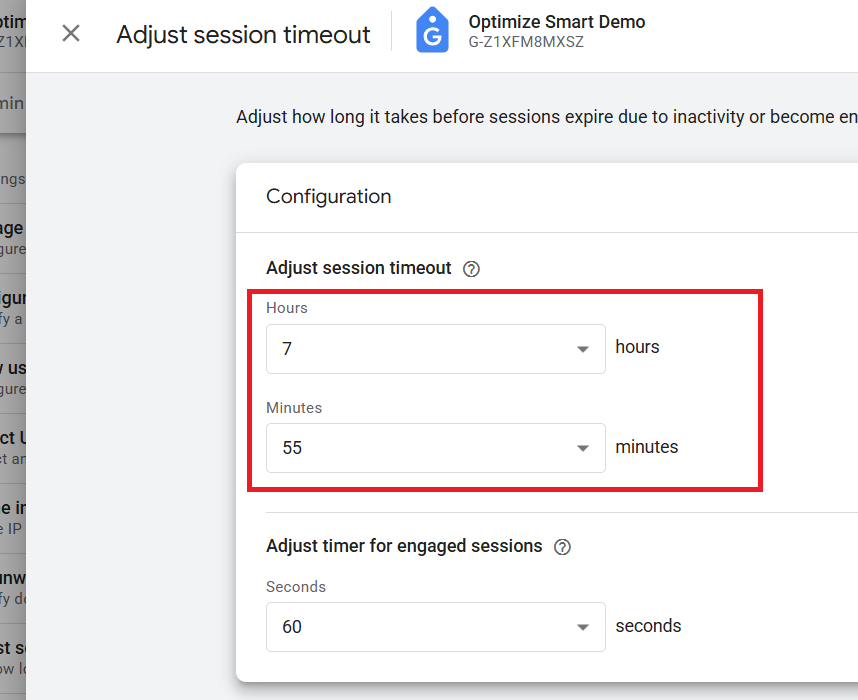
By extending the session duration, you reduce the likelihood of the same conversion being counted multiple times across multiple sessions.
Longer sessions can provide a better view of the user journey, capturing extended interactions and behaviours that might otherwise be split into separate sessions.
Note: Once per event could inflate conversion count both in GA4 and Google Ads.

Other Articles on GA4.
- Google Analytics 4 Migration Checklist - Upgrade to GA4.
- How to Install Google Analytics 4 on Shopify.
- How to link Google Analytics 4 with AdSense.
- Google Analytics 4 Subproperties Tutorial.
- How to connect Google Analytics 4 with Google Data Studio.
- Advertising Snapshot in Google Analytics 4 (GA4).
- Manage automatic event detection in Google Analytics 4.
- How to use Google Analytics 4 Event Builder.
- Is Safari Undermining Your GTM Server-Side Tagging?
- Guide to Google First Party Mode.
- You Can’t Really Trust Google Analytics 4 Engagement Metrics.
- Google Analytics 4 Metrics Tutorial.
- Google Analytics 4 Custom Metrics Tutorial.
- Don't Configure Google Tag via GTM, Google Ads and GA4.
- Retargeting Audiences in GA4 For Ecommerce Websites.
- Google Analytics 4 often report inflated conversion counts by default.
- The Best Reporting Identity for Google Analytics 4.
- 'Days to key events' metric in Google Analytics 4.
- Advertising Reports in Google Analytics 4.
- Google Analytics 4 Data Delays Guidelines.